How to Configure Juniper SRX300 for Optimal Network Performance?
Configuring the Juniper SRX300 can greatly enhance your network performance. This device is known for its versatility and robust features. However, achieving optimal performance requires careful planning and execution.
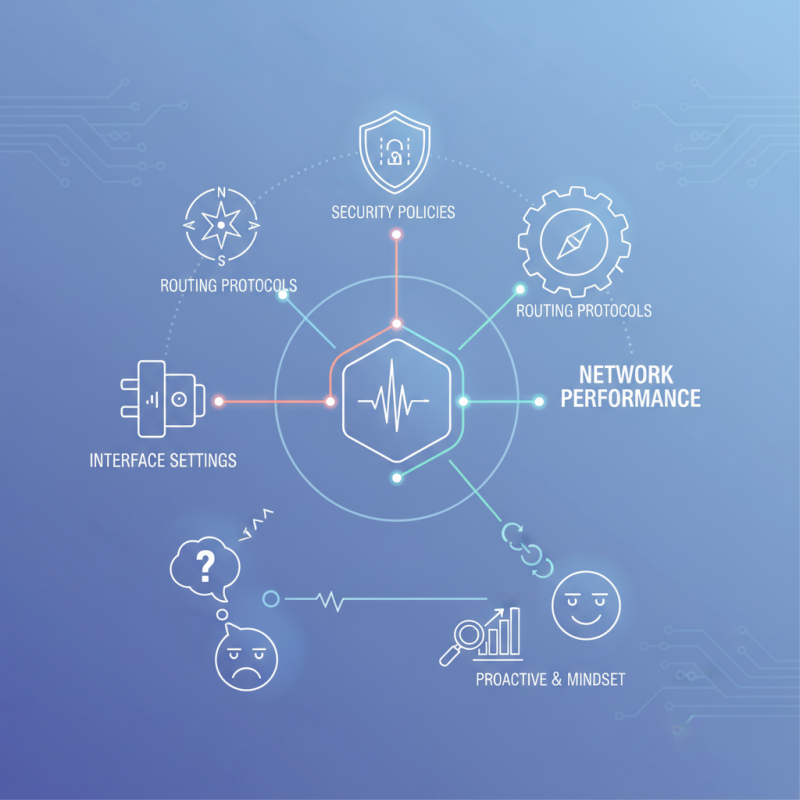
The SRX300 offers various options for configuration. These include security policies, routing protocols, and interface settings. Each of these elements plays a critical role in ensuring your network runs smoothly. It's essential to assess your current setup and identify areas for improvement. Sometimes, these improvements may seem minor but can lead to significant performance boosts.
Many users find themselves facing challenges while configuring the Juniper SRX300. Some configurations may not yield the expected results, leading to frustration. This highlights the importance of continuous monitoring and adjustments. Taking the time to learn from mistakes can ultimately lead to a more efficient network setup. Embracing a proactive mindset when working with the SRX300 will lead to better outcomes.
Understanding the Juniper SRX300 Architecture and Features
The architecture of the SRX300 series is designed to deliver high performance in network security. It utilizes a purpose-built hardware platform that ensures rapid processing of network traffic. This means higher throughput rates and low latency while handling thousands of simultaneous connections. According to industry reports, devices in this class can handle up to 1 Gbps of firewall throughput, crucial for modern enterprises.
Key features of the SRX300 include advanced threat intelligence and integrated security services. These capabilities help combat evolving cyber threats. The device supports a wide range of security policies, allowing tailored configurations for different traffic types. However, achieving optimal performance can be challenging. Misconfigurations may lead to bottlenecks. Some users overlook the importance of regular updates and performance assessments. Neglecting these tasks can lead to subpar experiences.
Scalability is another critical aspect of the SRX300. As a business grows, so do its network demands. A properly configured device can efficiently accommodate this growth. However, without regular monitoring, performance can start to lag. Recognizing when to upgrade or adjust settings is vital. Keeping an eye on traffic trends can help forecast needs and prevent degradation in performance. This proactive approach often proves more effective than reactive measures.
Initial Setup and Hardware Configuration of the SRX300
Setting up the SRX300 can impact your network performance significantly. The initial setup is crucial. Begin by ensuring your hardware is correctly installed. This includes power connections and network interfaces. Proper placement is also vital; avoid obstructing airflow. Cooling is essential, especially in data centers where temperature control matters.
It's important to follow best practices for initial configuration. This includes changing default passwords and updating the firmware. According to industry reports, unsecured devices increase risks to 73% within a year. Ensuring your device is updated mitigates potential vulnerabilities. Monitor connection speeds and throughput after the initial setup. Performing regular tests can identify performance bottlenecks.
User feedback often highlights post-setup issues. Some report trouble with configuration settings that aren’t intuitive. It’s common to overlook detailed feature configurations, leading to underperformance. Regularly consulting updated manuals can aid in overcoming these challenges. In the fast-evolving tech landscape, ongoing education about device capabilities is crucial.
How to Configure Juniper SRX300 for Optimal Network Performance? - Initial Setup and Hardware Configuration of the SRX300
| Configuration Item |
Description |
Value/Parameter |
| Management IP |
IP address for management access |
192.168.1.1 |
| Subnet Mask |
Subnet mask for management interface |
255.255.255.0 |
| Default Gateway |
Gateway for external access |
192.168.1.254 |
| DNS Server |
DNS server for name resolution |
8.8.8.8 |
| Interface Configuration |
Setup for network interfaces |
ge-0/0/0 (WAN) |
| NAT Configuration |
NAT rules for traffic management |
Enabled |
| Firewall Policies |
Rules to control traffic |
Public to Private; Allow |
| VPN Configuration |
Setup for secure tunnels |
Site-to-site enabled |
Configuring Network Interfaces and Security Zones for Performance
Configuring network interfaces and security zones is crucial for maximizing performance. Properly segmented security zones can enhance traffic management. A recent industry report shows that 40% of network performance issues stem from misconfigured interfaces. Organizations often overlook this aspect.
Optimal interface settings can reduce latency. For example, setting your interface MTU correctly can prevent fragmentation. This leads to smoother data flow. Security zones, on the other hand, control traffic more efficiently. By segregating traffic types, you minimize the risk of bottlenecks. It's vital to regularly audit these settings.
Yet, many administrators skip this step, facing performance drops later. Did you know that improper configurations can cost companies up to 30% in operational efficiency? Regular reviews of network configurations can save time and resources. Additionally, adapting to new threats requires flexibility in zone configurations. There are always new vulnerabilities emerging. Ignoring these can lead to a fragile network.
Optimizing Firewall Rules and Policies for Enhanced Throughput
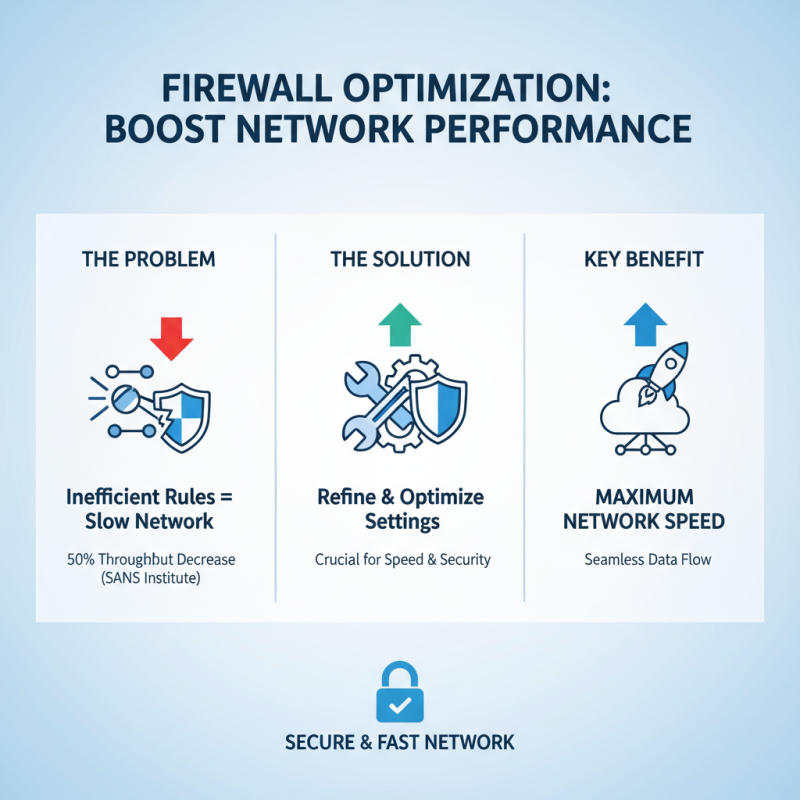
When configuring firewalls for optimal network performance, the rules and policies play a crucial role. Organizations can experience performance dips with inefficient configurations. According to a report by the SANS Institute, mismanaged firewall rules can lead to a 50% decrease in throughput. This highlights the importance of refining and optimizing these settings.
Regularly reviewing and updating firewall rules is essential. Remove any outdated or unnecessary rules. Conduct periodic audits to ensure compliance and functionality. It was found that over 20% of firewall rules are never used, which adds clutter and complexity. Simplifying rules can enhance speed and performance.
**Tip:** Use logging features on firewalls judiciously. Logging every action can bog down performance. Focus on critical events instead.
Another effective strategy involves prioritizing traffic. Classifying important traffic can help streamline processing times. Studies indicate that prioritization can yield an increase in speed by up to 30%.
**Tip:** Implement automatic rule creation using templates, but always review them. Automation may introduce errors if not checked thoroughly.
In conclusion, optimizing firewall rules requires continuous evaluation and strategic refinements. Balancing performance and security is the key.
Monitoring and Troubleshooting Network Performance on the SRX300
Monitoring network performance on the SRX300 is crucial. Regular checks can reveal potential issues. This proactive approach helps maintain optimal performance. Use built-in monitoring tools to observe traffic patterns. Look for abnormal spikes in usage. These spikes may indicate problems.
Troubleshooting can be tricky. Some errors are easy to spot. Others require deeper investigation. Analyzing logs is essential. It's beneficial to identify repetitive issues. This can guide you toward resolutions. Don't hesitate to consult documentation when needed. However, documentation can sometimes be overwhelming.
Consider employing graphs and dashboards. Visuals often simplify complex data. They help in tracking trends over time. On the flip side, too much data can confuse. It’s important to focus on critical metrics. Regular reviews of these metrics ensure your network remains healthy. It's a dynamic process requiring continuous attention and adaptation.
Network Performance Metrics on Juniper SRX300